Managing a roster · for talent managers
How to Manage Brand Deals for 10+ Creators Without Chaos
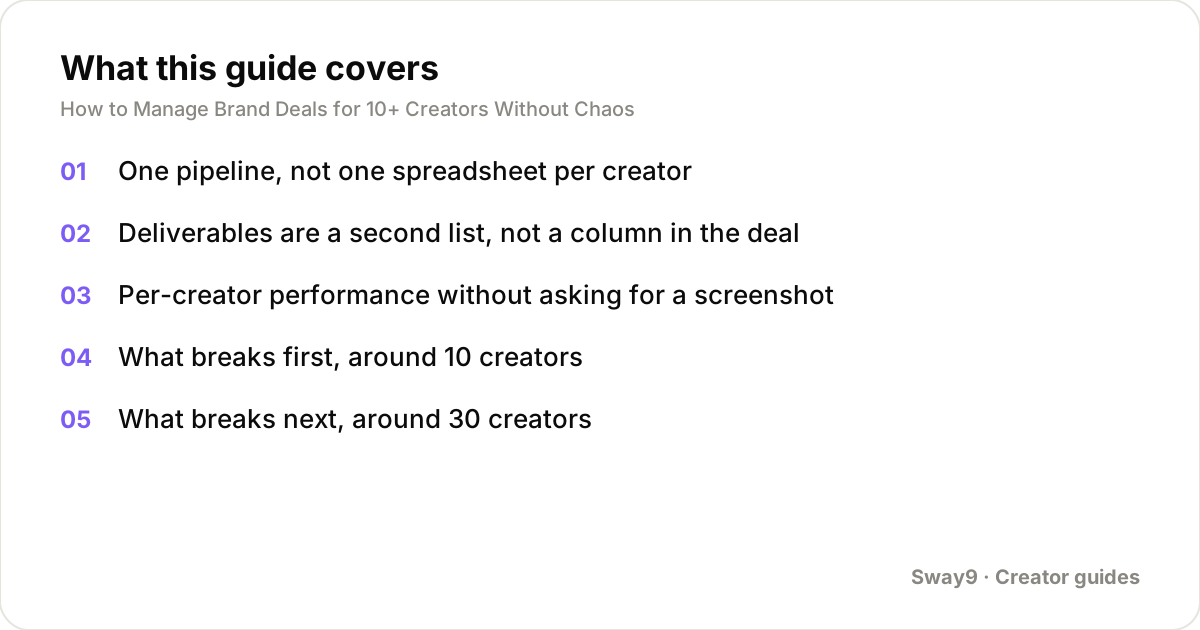
- One shared pipeline, one row per deal, replaces a spreadsheet per creator once you pass a handful of people.
- Deliverables need their own list — post type, due date, status, link — kept separate from the deal terms.
- Per-creator performance has to update itself. Waiting on a screenshot means your view is already out of date.
Managing brand deals for ten or more creators needs three things working together. One pipeline holds every deal, no matter which creator it belongs to. A separate deliverables list tracks dates and status for each post. A per-creator performance view shows earnings and views without you asking anyone for a screenshot.
Below ten creators, a shared spreadsheet usually holds up fine. Past that, cracks start to show: missed deadlines, rates nobody can account for, creators who quietly stop trusting your numbers. This piece walks through each part, and where a spreadsheet-and-DM setup tends to break — first around ten creators, again around thirty, and again past a hundred.
One pipeline, not one spreadsheet per creator
Most managers start by giving each creator their own tracking sheet — their deals, their rates, their status. That works at first. It breaks once you need an answer that spans creators. Which deals are waiting on a signed agreement? Which have overdue deliverables? Which brand are three creators pitching separately, without realizing it?
A single pipeline fixes this: one row per deal, with a column for which creator it belongs to. Stage — pitched, negotiating, signed, in progress, delivered, paid — becomes something you can filter and count across the whole roster. You stop reconstructing the answer by opening ten tabs.
Deliverables are a second list, not a column in the deal
A deal has terms: which brand, what rate, what usage rights, when it was signed. A deliverable is different. It's one specific post, due on one date, in one status — briefed, filmed, posted, approved.
One row per deal works fine for a single-post deal. It falls apart once a deal has three deliverables due on three different dates.
Each deliverable needs its own row, trackable on its own. A late post then shows up as exactly that — one overdue line. It doesn't make the whole deal look unfinished when two of three posts are already done and paid.
Per-creator performance without asking for a screenshot
Once deals and deliverables are tracked, one gap remains: performance. How many views is each post getting? What is each deal worth as those views come in?
Asking each creator to screenshot their analytics monthly works for three creators. It stops working for fifteen. Now you depend on fifteen people replying on time, in a format you can actually compare.
This is what Sway9 tracks. Add each creator's TikTok or Instagram handle once. It pulls every post and its views automatically, up to three times a day, and keeps a daily history per post.
Each brand deal is set up as a campaign with its rate — a rate per 1,000 views, or a flat amount per post. The dashboard computes what that deal is worth as views come in. No screenshot needed.
What breaks first, around 10 creators
At ten creators, the most common failure is a deadline that only ever lived in a DM thread. You agreed a posting date with a brand and told the creator over chat. Neither of you wrote it down anywhere you both check.
Multiply that by ten creators, each running two or three deals. A date will slip through most months. Not from anyone being careless — just because there was no single place it lived.
The fix at this size is mostly structural, not technical. A shared deliverables list, visible to both you and the creator, gives 'when is this due' one answer instead of leaving it to memory.
What breaks next, around 30 creators
Past about thirty creators, checking performance by hand stops being realistic, even if you wanted to keep doing it. If each of thirty creators posts twice a week on two platforms, that's roughly 520 posts a month across the roster.
Opening each one to note the current views, even thirty seconds each, adds up fast. That's more than four hours of pure checking, before you've done anything with the numbers.
This is also where rate inconsistency starts costing real money. Without a record of what similar creators actually earn, it's easy to quote a lower rate to whoever asks first. It's just as easy to quote a higher one to whichever brand pushes back hardest. A shared record of what's been charged, and what it earned, keeps new quotes anchored to something real.
What breaks last, past 100 creators
At three-figure roster sizes, the constraint shifts again. It's no longer about tracking any single creator. It's about running the whole roster as several smaller books of business, not one flat list.
Different account managers own different segments. Different brand clients need their own reporting view, not the whole agency's numbers. No single person can remember every deal's terms anymore.
This is a workspace and access problem, more than a tracking one. You need a way to split the roster into groups that different team members or clients can see — without losing the whole-agency view when you need it.
A flat pipeline that worked fine at thirty creators gets in the way here. A manager handling one client's twenty creators has to scroll past eighty others just to find their row.
A minimal system you can run today
None of this needs an elaborate stack. The minimum that holds at ten-plus creators is three things. One pipeline for deals. A separate deliverables list with dates and status. A performance view that updates itself.
Sway9 covers the tracking half of that. Connect each creator's accounts, and set every deal up as a campaign with its rate. The dashboard computes earnings and effective CPM — what you actually earned per 1,000 views — as views come in.
CSV export gets the numbers wherever else you need them. Team members are unlimited, so the whole team sees the same data instead of forwarding screenshots to each other.
The deal pipeline and deliverables list can start as a shared spreadsheet next to that. What matters more than the tool is that all three pieces live somewhere everyone on the team can see — not in one manager's head.
Frequently asked questions
How many creators can I realistically manage with just a spreadsheet?
Somewhere around five to ten, depending on how many deals each creator runs at once. The failure mode isn't a hard number — it's the point where you start missing deadlines or losing track of what a deal was actually worth. That tends to show up first around ten creators running multiple deals each.
Should every creator on the roster see the whole pipeline, or just their own deals?
Most agencies keep the full pipeline visible to the team, and give each creator a view limited to their own deals and deliverables. That's enough for them to see what's due and what they've earned, without exposing every other creator's rates and terms.
What's the difference between a deal's stage and a deliverable's status?
Deal stage tracks the business relationship: pitched, negotiating, signed, paid. Deliverable status tracks the actual content: briefed, filmed, posted, approved. A signed deal can have deliverables sitting in several different statuses at once — which is exactly why they need separate tracking.
Do I need different tools at 100 creators than I did at 10?
The three underlying pieces — pipeline, deliverables, performance — stay the same. What changes is that performance tracking needs to be automatic, not manual, and the roster needs to split into groups different team members or clients can see. A single shared view that worked at ten creators is usually the wrong shape once several people each own a different slice of a hundred.
What's the single most common cause of a missed deadline on a roster?
A date that only existed in a chat thread, rather than a shared record both the manager and the creator check. It's rarely a scheduling failure. It's a record-keeping one.
Track your whole roster in one place
Every creator's accounts, every deal set up as a campaign with its rate, every post and view pulled in automatically. From $22/mo for 25 tracked accounts, unlimited team members, no per-seat fees.
Get started Cancel any time · unlimited team members on every plan