Tracking · for creators
How to Track Brand Deals Without Spreadsheet Chaos
- Split tracking into two records: one per brand deal (rate, dates, contacts) and one per post (views, status).
- Give every deal a status from a short fixed list. Make payment status its own field, not a note.
- Move the performance half — views per post, over time — to a tool once you track more than a couple of accounts.
A spreadsheet breaks when it has to answer two questions at once: what's still owed across every deal, and what actually happened on each post. Those are two different shapes of data. One row per deal is not the same as one row per post. Cramming both into one tab is where the chaos starts.
The fix is simple. Split the two records apart. Give every deal a status. Stop pasting in view counts by hand.
This starts costing you around 10 active deals. The sheet still looks fine, but you're already missing things. A due date sits in a hidden column. A post gets checked once and forgotten. Below is the system that replaces the sheet, and the point where the performance half is worth moving into a tool.
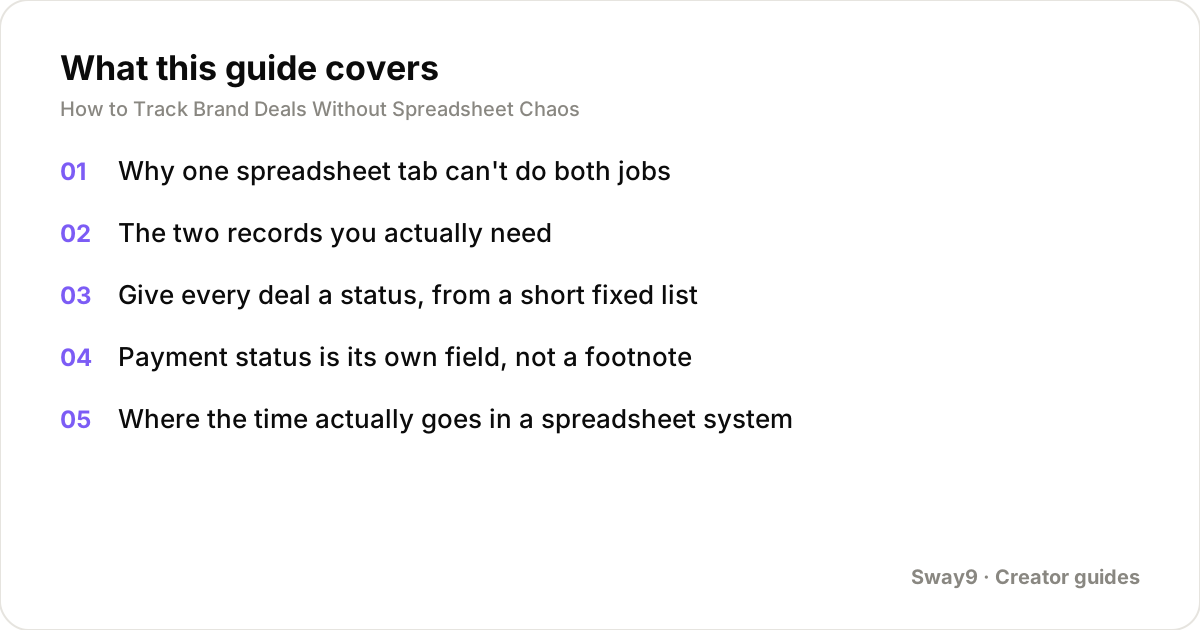
Why one spreadsheet tab can't do both jobs
A deals tab wants one row per brand relationship: rate, contact, contract dates, total value. A performance tab wants one row per post: which platform, when it went live, views today versus last week.
Most people start with one tab because there's only a handful of deals. Then they bolt performance columns onto the same row once a second post shows up under the same brand. That works for one deliverable. It breaks the moment a deal has three posts with three different dates and three different view trajectories.
The two records you actually need
Keep a deal record and a post record, linked by a deal ID or brand name you can filter on. The deal record barely changes once a contract is signed. The post record changes every day a post is live, because views keep moving.
| Record | Updates | Core fields |
|---|---|---|
| Deal | Rarely, after signing | Brand, contact, rate (flat or CPM), total deliverables, contract dates, payment status |
| Post | Daily while live | Platform, post link, post date, views (today and over time), which deal it belongs to |
Give every deal a status, from a short fixed list
The single highest-value change you can make is adding a status column with a short, fixed set of values — then actually filtering by it. A free-text notes column that says 'waiting on contract' can't be filtered or sorted. Nothing surfaces automatically. You have to read every row to see what needs attention.
A pipeline that covers most brand deals without becoming its own chore:
- Pitched — you've reached out or been approached, nothing agreed yet
- Negotiating — rate or scope still being worked out
- Contracted — terms agreed, content not yet delivered
- Live — at least one post is up and being tracked
- Invoiced — all deliverables posted, payment requested
- Paid — closed out
Payment status is its own field, not a footnote
Payment terms are often net-30 or net-60 — the brand pays 30 or 60 days after you invoice. That means a deal can sit in 'invoiced' for a month or two before you know if it needs a follow-up. If payment status lives inside the same field as everything else, you can't quickly answer 'what's overdue right now.'
Keep it separate: due date, invoiced date, paid date, and an overdue flag. The flag turns true once today's date passes the due date with no paid date filled in. The content pipeline tells you what work is left. The payment fields tell you what money is late.
Where the time actually goes in a spreadsheet system
It's worth being concrete about the cost. Say you track 18 active deals across two tabs. Twice a week, you check each one for changes — a post went live, a payment came in, a reply arrived.
At roughly 90 seconds per deal to find the row and check what changed, that's real time. The example below shows the total. A filterable status field removes that time. Instead of rereading every row, you filter to 'invoiced and overdue' and see only what needs action.
What breaks first as the deal count grows
Below about 10 deals, almost any system works — you can hold the whole state in your head. Past that, three things break, usually in this order.
First, view numbers go stale, because pasting them in by hand only happens when you remember. Second, a deal falls through a crack — a due date passes unnoticed in a column nobody filters on. Third, if a manager or a second person also edits the sheet, two people's edits can overwrite each other.
What's worth moving to a tool, and what isn't
The deal-side fields — contact, rate, contract dates, notes — work fine in a spreadsheet indefinitely. They change slowly and one person usually owns them. The part worth moving out is the post side. That means pulling views automatically instead of pasting them in, with a running history instead of one number that goes stale.
In Sway9, you add your own TikTok and Instagram handles. It pulls every post and its views automatically, up to three times a day, with a per-post daily history. Each brand deal is set up as a campaign with its rate — flat per post or CPM. The app computes what that deal is worth as views come in.
The free plan covers 3 tracked accounts with 100 credits a month. Paid plans start at $22/month for 25 accounts, built for a manager running a roster. Campaigns, posts, and team members are all unlimited on every plan.
Frequently asked questions
At how many deals should I stop using a plain spreadsheet?
Around 10 active deals is when most people start missing things — a stale view count, an unflagged overdue payment, a due date nobody checks. Below that, a well-organized sheet is usually fine. The deal-side fields can stay in a sheet indefinitely. It's the post side, where views change daily, that benefits from being pulled automatically.
What's the minimum set of fields I actually need per deal?
Brand name, a contact, the rate structure and amount, the number and type of deliverables, and the contract or due dates. Add a status from a short fixed list, plus payment status tracked separately from content status. Those seven let you filter for 'what needs attention' without rereading every row.
Should I track deals that never got signed?
It's worth a lightweight record of pitches that didn't close. That way you're not starting from zero if the brand comes back, and you can see your own close rate over time. They don't need the full post-tracking treatment — just brand, date, and why it didn't happen.
How do I keep a manager and a creator working off the same data without version conflicts?
Version conflicts are specific to shared spreadsheets, where two people editing at once can silently overwrite each other. A shared system with per-user access avoids this by design. Both people see the same live record instead of two copies of a file that can drift apart.
Do I need a separate row for each platform if a deal covers both TikTok and Instagram?
Yes, at the post level. Each post on each platform is its own row with its own view history, even if they all belong to one deal with one combined rate. Rolling them up to a deal total is a sum you do afterward.
Track your own accounts
Add your TikTok and Instagram handles, set each brand deal up as a campaign with its rate, and Sway9 pulls in every post and view and works out what the deal is worth. From $22/mo, cancel any time.
Get started Cancel any time · unlimited team members on every plan