Getting deals · for creators
How to Find Pay-Per-View Campaigns as a Creator
- Look in three places: open campaign directories (like Sway9's), UGC/clipping marketplaces, and brand-run creator programs you join directly.
- Every campaign worth considering states its rate, its cap per post, and its minimum view threshold. Read all three, not just the rate.
- Judge a campaign by expected payout against your typical views and the time the deliverable takes, not by the headline rate alone.
Pay-per-view campaigns — also called clipping or CPM campaigns — live in three places. Open campaign directories list a brand's terms up front. UGC and clipping marketplaces you apply to join. Brand-run creator or affiliate programs you sign up for directly. All three publish the same three numbers before you post: the rate, the cap per post, and the minimum views to qualify.
Reading those three numbers correctly is what separates a campaign worth your time from one that isn't. Below is where to look, what the three numbers mean, and a worked example of judging one specific campaign.
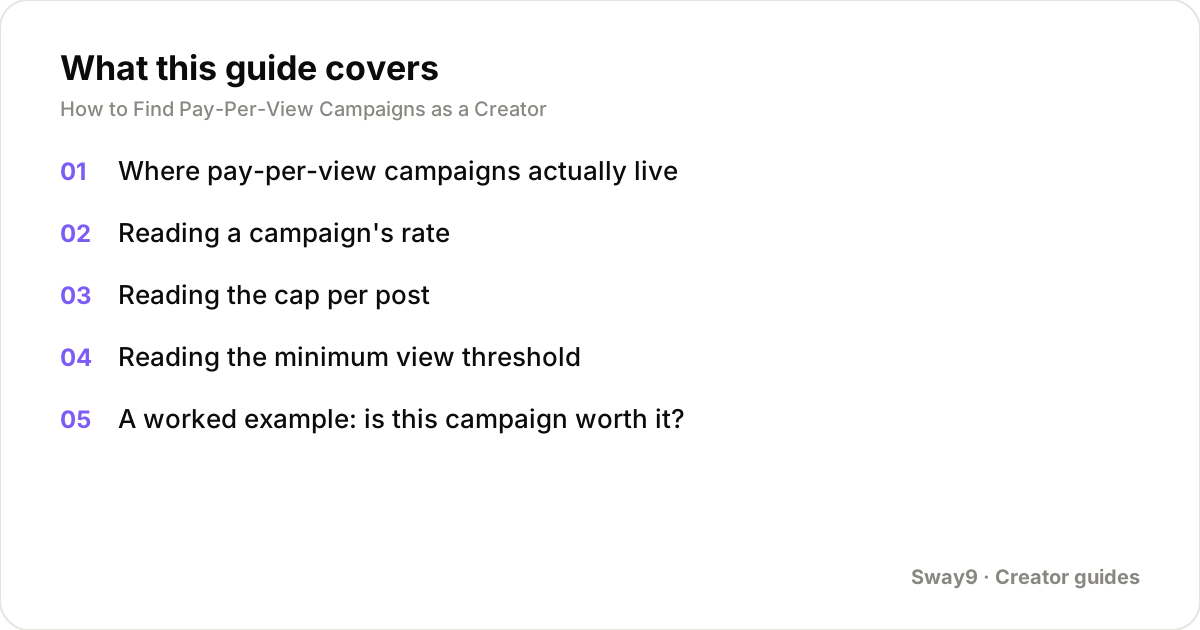
Where pay-per-view campaigns actually live
Open campaign directories are the most direct route. You browse a list of live brand campaigns with the rate, cap and minimum shown before you apply. Sway9 runs one at sway9.com/creator/explore.
There, you browse what's open and apply in about a minute. Connect the account you'll post from, then post following the brief. Most listings have no follower minimum, since the model pays for views, not audience size.
UGC and clipping marketplaces are the second route. You join once, then apply to individual briefs posted by brands and agencies. General UGC marketplaces are one category (see sway9.com/alternatives/billo/ and sway9.com/alternatives/minisocial/ for how those compare). Clipping-specific platforms are another. They cut long-form content into short clips paid per view (see sway9.com/alternatives/clipping-io/ and sway9.com/alternatives/clipping-culture/).
Brand-run creator or affiliate programs are the third route. Some brands run their own pay-per-view or affiliate program directly, often linked from their site or Instagram bio. TikTok and Instagram run a platform-level version of the same idea through their own creator marketplace tools. See sway9.com/alternatives/tiktok-creator-marketplace/ and sway9.com/alternatives/instagram-creator-marketplace/ for how those compare.
Reading a campaign's rate
Most pay-per-view campaigns quote a CPM: a rate per 1,000 views. A smaller number pay a flat fee per approved post instead. That number is fixed no matter how the post performs, so compare it against your usual flat rate for the same deliverable.
If a listing doesn't clearly say whether its number is a rate per 1,000 views or a flat fee per post, don't assume. Ask before applying. Treating a flat $50 as a $50 CPM, or the reverse, changes the expected payout by an order of magnitude.
Reading the cap per post
The cap is the most a single post can earn under that campaign, no matter how far it travels. Once a post crosses the view count where the CPM math would exceed the cap, extra views earn nothing further.
The cap matters most if your posts sometimes go well beyond your typical range. A low cap quietly limits your upside on exactly the posts you'd otherwise want to lean on.
There's nothing wrong with a capped campaign. Caps exist so a brand's budget stays predictable. Just factor the cap into your expectation, especially if you're being pitched using a best-case viral example.
Reading the minimum view threshold
The minimum is a floor a post has to clear before it earns anything at all. It exists so a brand isn't paying out for a post nobody saw. If your post lands under the minimum, it earns nothing under that campaign's terms, even if the CPM and cap both looked reasonable.
Compare the minimum against your typical view count for that account and format, not just your best posts. The minimum is the number that decides whether a normal post for you earns anything at all.
A worked example: is this campaign worth it?
Take a campaign paying a $2.50 CPM, capped at $120 per post, with an 800-view minimum. Your last several posts on the account you'd use for this have typically landed around 14,000 views. Start there, not with a best-case guess.
That clears the 800-view minimum easily, and sits well under the $120 cap. If the deliverable takes about three hours end to end, the hourly rate is worth comparing against a flat-rate deal or a different campaign.
Now check the upside case. If a post from this account went unusually well and hit 60,000 views, the cap limits the actual payout. The campaign's realistic value sits closer to the typical case than to the capped upside, so the decision to apply should be made against the typical number.
Signs a campaign is worth applying to versus skipping
- Worth it: the rate, cap and minimum are all stated clearly on the listing, with no need to DM someone for basic terms.
- Worth it: your typical view count for the account clears the minimum with room to spare, so a normal post earns something.
- Worth checking further: the cap is low relative to what your posts sometimes do, so your best-case upside is capped well below a flat-rate deal for similar content.
- Skip or ask more questions: the listing quotes a number without saying whether it's CPM or flat, or omits the minimum entirely.
- Skip: the brief demands unusual usage rights — running your post as a paid ad, exclusivity, long licensing terms — with no separate mention of extra pay for that.
Applying and getting verified
On most directories and marketplaces, applying takes a few minutes. You submit the account you intend to post from, and verify you own it, usually by placing a short verification code somewhere visible on your profile. After that, you post following the brief on your own schedule. The platform reads the public view count on the post itself to track performance, rather than needing screenshots submitted by hand.
Keep a record of which campaign each post was submitted under, especially if you're running several campaigns at once across more than one account. A post can usually only be attributed to a single campaign at a time, even if you'd qualify for more than one.
Frequently asked questions
Do I need a large following to get accepted into pay-per-view campaigns?
Usually not. These campaigns pay for views rather than audience size, so most listings have no follower minimum at all. A smaller account whose posts travel further can out-earn a bigger account whose posts don't, under the same rate.
What if a campaign doesn't state its cap or minimum anywhere?
Ask before applying rather than assuming there isn't one. A campaign that can't answer a direct question about its own payout terms is a weaker bet. Prefer one that states all three numbers on the listing itself.
Can I apply to more than one pay-per-view campaign at the same time?
Generally yes, and you can often use multiple connected accounts across different campaigns. Just keep each post attributed to a single campaign so the tracking and payout stay unambiguous.
Do faceless formats qualify for pay-per-view campaigns?
Many do. Slideshows, screen recordings and voiceover edits are commonly accepted. Check the individual campaign brief for what formats it takes, rather than assuming a camera-on video is required.
How is a view actually counted and verified?
Directories that track pay-per-view campaigns typically read the public view count shown on the post itself, as reported by TikTok or Instagram. They refresh it over time rather than relying on a one-time screenshot you submit.
Track your own accounts
Add your TikTok and Instagram handles, set each brand deal up as a campaign with its rate, and Sway9 pulls in every post and view and works out what the deal is worth. From $22/mo, cancel any time.
Get started Cancel any time · unlimited team members on every plan